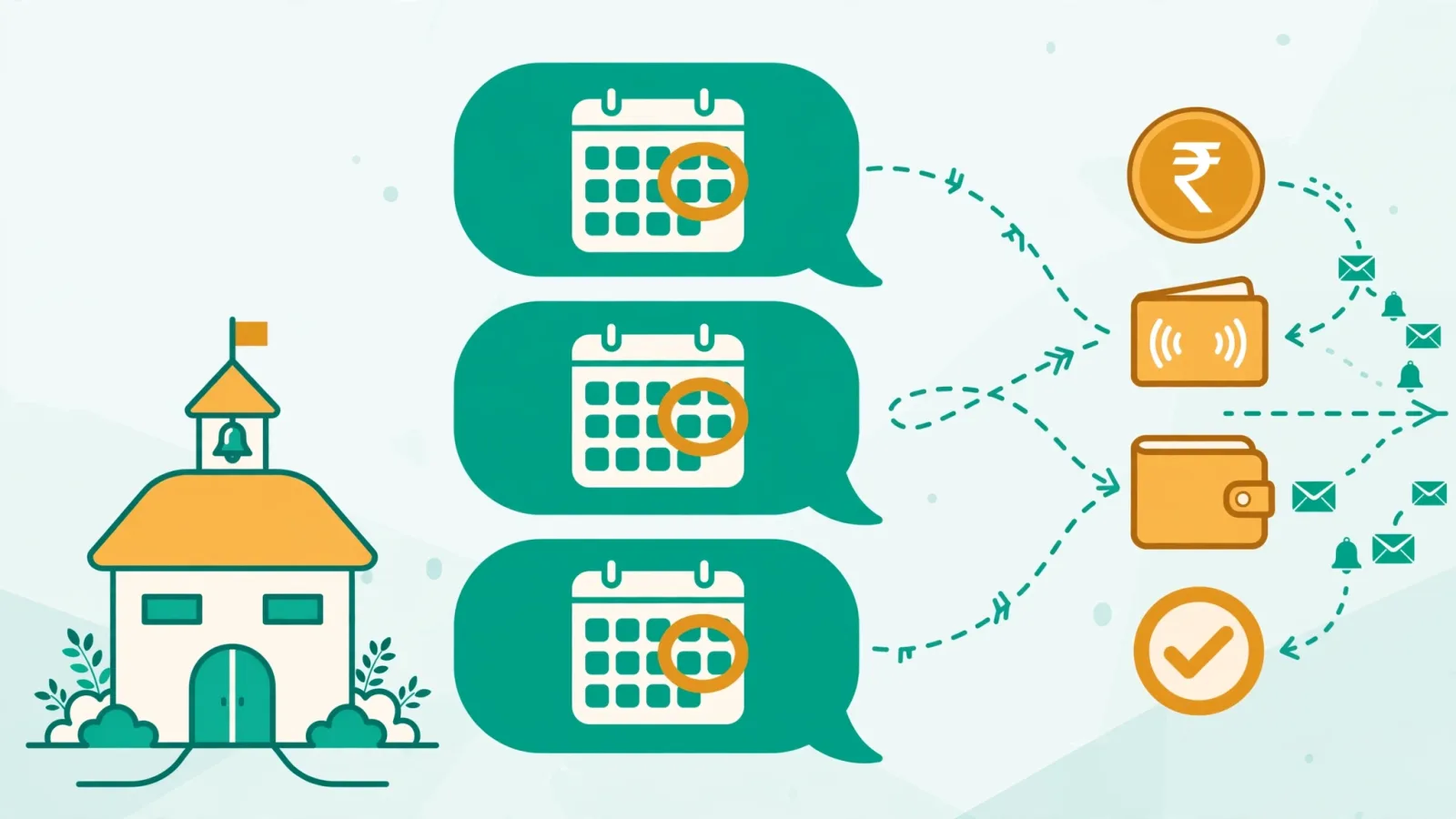
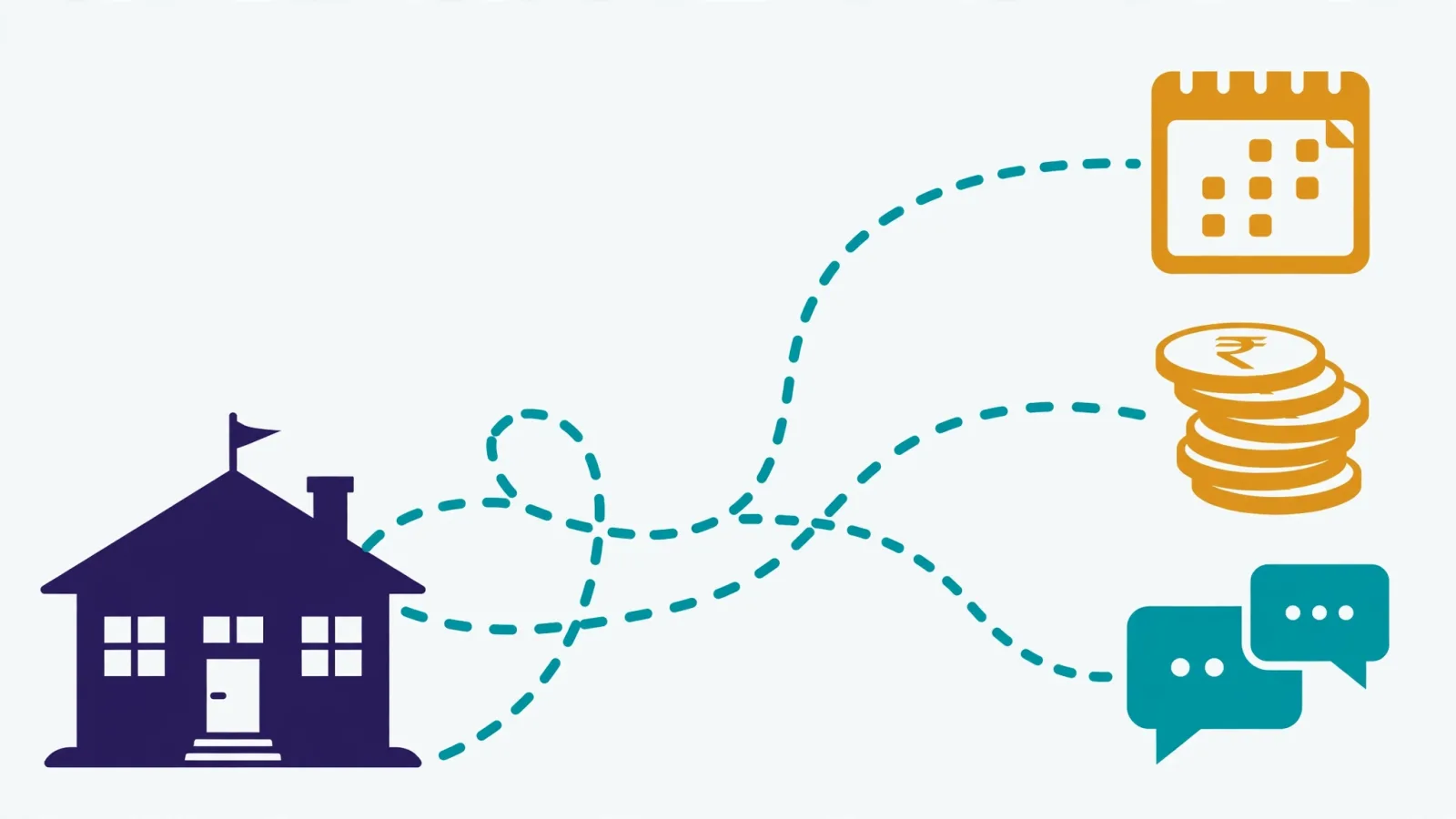
In most Pakistani private schools, fee collection is still a person: the fee clerk who stays late on the 9th printing vouchers, the accountant who spends the 12th calling parents from a notebook, the principal who doesn't actually know how much is still outstanding until the end of the month. If you want to automate school fee collection, that is the process you're replacing — not with a gadget, but with a routine that runs whether or not anyone remembers.
Here is the plain version of what automation means, before any vendor pitch reaches you: four things happen without a human pushing buttons. The system generates each month's fee bills on its own. It applies late-fee rules automatically when the due date passes. It sends payment reminders to parents on a schedule, through a channel they actually read. And it reconciles who paid and who didn't into a report the owner can read in one minute. Everything else — dashboards, analytics, integrations — is decoration on top of those four.
Automate school fee collection: the four moving parts
Most schools fail at automation because they buy one piece (usually the reminders) and leave the other three manual. That just moves the bottleneck. Each part below has a specific job; skip one and the clerk is back to spreadsheets.
1. Automatic fee generation
Manual billing starts every month the same way: someone builds the bill list from memory — who joined, who left, whose fee changed. Automatic generation does it from data. A serious system runs a server-side job at the start of each month (00:01 on the 1st is the standard), creates a fee record for every active student using their individual fee amount, sets the due date — the 10th by default — and skips anyone who already has a record so nothing duplicates.
The details worth checking: can you change the generation day and the due date per school policy? Does it handle every fee type your school charges — monthly, admission, annual, paper fund, sports? Classonix's fee settings let the school set the generation day, the default due-date day, and fee structures with their own frequency and amount, so a mid-year fee hike or a new annual charge doesn't require rebuilding the whole month.
2. Automatic late-fee rules
Late fees only change behaviour when parents know they exist and see them applied consistently. A system that lets you define the rule once — a fixed amount or a percentage, per-day accumulation if you want it, and grace days before anything applies — and then applies it to every overdue record on its own removes the one thing that kills manual late fees: the clerk's reluctance to add them by hand to a parent's bill.
The honest caveat: late fees work on habit, not on the amount. Set the rule, tell parents at admission, and let the system be the bad cop. An automated rule applied to everyone is fair; a manually applied one is a complaint waiting to happen.
3. Scheduled reminders parents actually read
This is the part every vendor demos first, and it's the part where delivery matters more than sending. Pakistani parents don't read school emails and increasingly ignore SMS. They read WhatsApp. So the reminder engine has to speak WhatsApp, and — more importantly — show you what happened to every message: queued, sent, delivered, read, or failed. A reminder system without delivery tracking is a black box; you can't tell which parents need a phone call and which just haven't opened the message yet.
The working details to demand in a demo: editable message templates with placeholders for school name, student name, class, amount, and due date; a quota display showing messages sent, limit, and remaining for the month; batch sending (up to 50 parents per batch is a sensible size); and a manual fallback that shows you the composed message if the API send fails, so nothing disappears silently. On Classonix, the reminder screen lists students with pending or partial fees, and each school's WhatsApp quota is visible before anything is sent — 50 messages a month on the free plan, 600 on Growth, 1,500 on Professional, 2,500 on Elite.
4. One-minute reconciliation
Automation is worthless if you still can't answer "who hasn't paid?" on the 15th. This is the reports half: fee statuses that track each record as pending, partial, paid, or overdue; class-wise and student-wise collection breakdowns; a dedicated overdue report; and full Excel export for the auditor or the board. When a parent walks in saying "I already paid," the clerk should be able to pull that student's fee history — every record, every partial payment, every date — in seconds.
Partial payments deserve a special mention because they're a Pakistani reality: a parent pays PKR 8,000 of a PKR 12,000 fee and promises the rest next week. The system must record that as a partial payment with the method (cash, bank transfer, cheque, online), keep the balance outstanding, and keep reminding on the remainder — not reset the record or mark it paid.
Your seven-step setup plan
This is the order that works when a school moves from manual to automated. It takes most schools one week if the data is clean, two if it isn't.
- Clean the student data first. Automation amplifies whatever is in the records. Deactivate students who left, fix duplicate admission numbers, and make sure every parent's WhatsApp number is current — phone numbers should be stored in international format so reminders don't bounce.
- Configure the fee structures. Define every fee your school charges with its frequency and amount — monthly tuition, admission, annual, paper fund, sports — and link structures to the right classes. This is also the moment to set the generation day and the default due date.
- Set the late-fee rule and publish it. Decide fixed vs. percentage, grace days, and per-day accumulation. Then tell parents in writing — at admission and in the fee policy — so the first automated late fee never arrives as a surprise.
- Write the reminder schedule. A reminder before the due date (a nudge, polite), one on the due date, and follow-ups at 7 and 14 days overdue is a proven cadence. Keep the tone respectful in the template — placeholders make each message feel personal even when it's automatic.
- Run one month in parallel. Let the system generate bills and reminders while the clerk keeps the old notebook for one cycle. Compare the two on the 15th. This is how you catch misconfigured fee amounts before they become parent complaints.
- Hand over reconciliation. Once the parallel month matches, the overdue report and class-wise collection view become the single source of truth. The clerk's job shifts from chasing to reviewing exceptions — the failed deliveries, the dispute cases.
- Review the numbers monthly. The dashboard should show fee collection for the month, pending fees, and year-over-year comparison at a glance. Ten minutes on the 1st, by the owner, not the accountant.
Three mistakes that undo fee automation
Mistake one: reminders without tracking. Schools switch to WhatsApp reminders, collection improves for a month, then slips — because nobody can see which reminders failed. Failed-message tracking isn't a premium extra; it's the whole point of moving off SMS.
Mistake two: late fees with no grace days and no communication. A system that slaps a penalty on the 11th with no warning creates disputes that eat more staff time than the late fees earn. Grace days plus an admission-time policy notice turn the same rule from a conflict into a norm.
Mistake three: automating dirty data. Bills generated for students who left two years ago, reminders to disconnected numbers, fee amounts from last year's policy — automation of bad data just produces bad bills faster. Step one of the plan exists for a reason.
What this actually saves you
The honest maths, not vendor maths: a school of 400 students collecting fees manually typically burns 3–5 full clerk-days per month on billing, chasing, and reconciling — more in admission season. Automated generation and reconciliation cut that to under a day, most of it exception-handling. The bigger win is cash-flow timing: schools that send scheduled reminders with delivery tracking consistently report fees landing a week earlier, because the 10th-day nudge reaches parents who would otherwise pay "whenever."
Our detailed guide on how to reduce fee defaulters goes deeper on the policy side of this — automation is the mechanism, but the late-fee policy and the reminder tone decide how well it lands.
Frequently asked questions
Do we still need a fee clerk if we automate fee collection?
Yes, but their job changes. The clerk stops being a bill-generator and becomes an exception-handler: failed deliveries, disputed payments, parents who need installment plans. Most schools find one clerk can now manage the fee cycle alongside other admin work, instead of it being a full-time month-end scramble.
What happens when the internet goes down?
It depends on how the software is built. Pure web tools stop the moment the connection drops. A desktop application connected to a cloud API — which is how Classonix is built — keeps daily work like fee collection and attendance running during outages and syncs when the connection returns. Ask every vendor: "what happens during a four-hour outage?" and believe the demo, not the brochure.
Can we start small and add features later?
That's the sensible path. Start with automatic fee generation, reminders, and reports — the core is available even on a free plan covering up to 100 students, so a small school can run the full cycle without spending a rupee while learning the workflow. Add flexible installment plans, payroll, and full finance (income/expense, P&L) when the office is ready; on Classonix those sit in the paid tiers — Growth at PKR 5,999/month, Professional at PKR 9,999/month, Elite at PKR 14,999/month.
How is this different from just sending reminders on WhatsApp manually?
Manual reminders have three failure modes automation removes: they depend on someone remembering, they go to whoever the clerk thinks of (usually the worst defaulters get reminded least), and nobody tracks delivery. Automation sends to every pending account on schedule, shows sent/delivered/read/failed per message, and ties each reminder to the actual fee record — so the follow-up is based on real outstanding amounts, not memory.
Fee collection is the one school process where consistency beats cleverness. The schools that collect best aren't the ones with the smartest policies — they're the ones whose bills, reminders, and follow-ups happen on schedule, every month, without depending on anyone's memory. Set the four moving parts up once, review them monthly, and let the routine do the chasing. If you're comparing systems, our buyer's guide shows how to turn your requirements into a demo script — and you can see what Classonix covers against the ten features that actually matter.