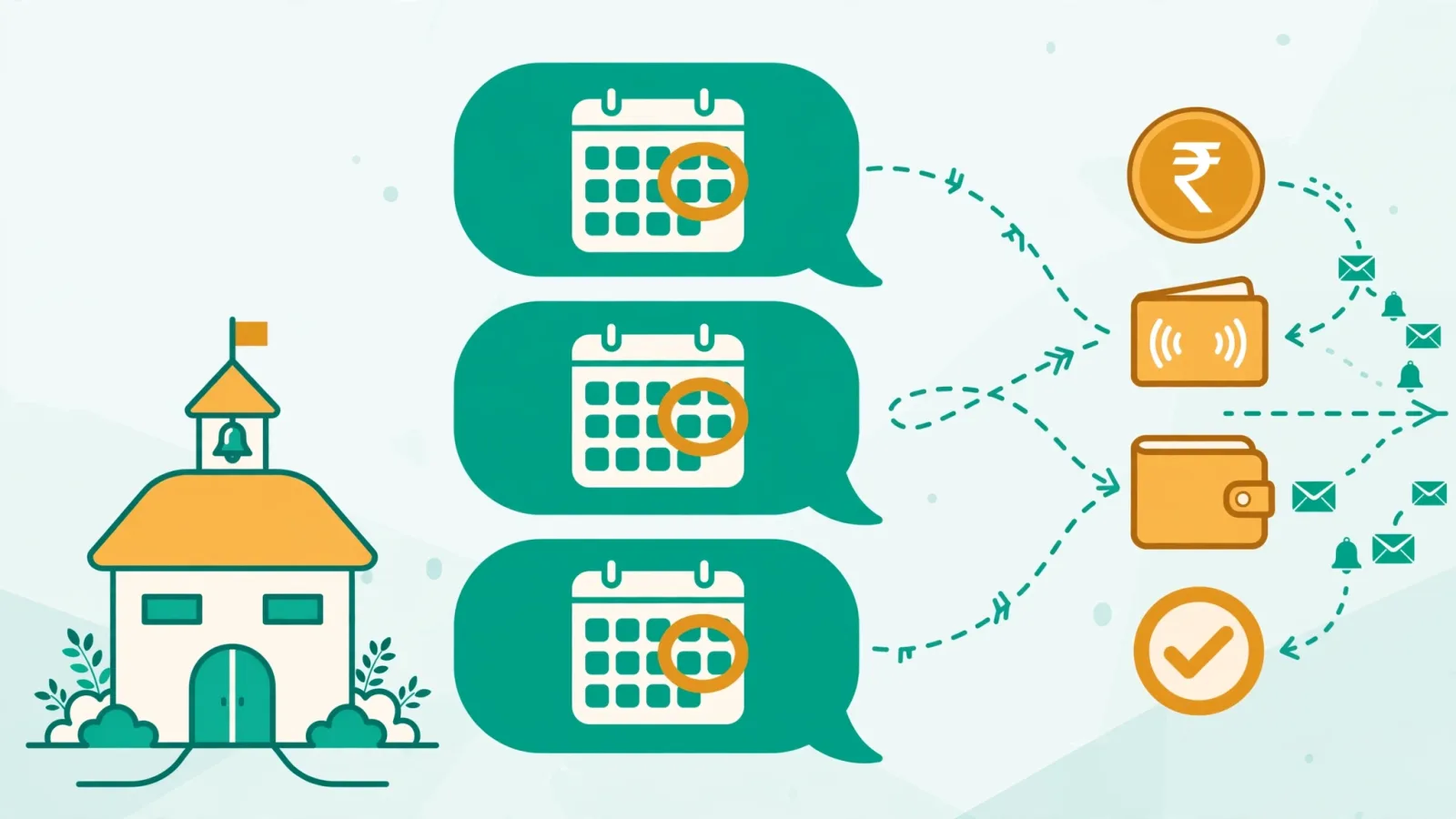

Every private school in Pakistan eventually reaches the same fork in the road: stick with the paper registers the school has used for decades, or switch to school management software. On the surface it looks like a choice between free and expensive — a register costs a few hundred rupees, while software charges every month. That framing is exactly what makes the school management software vs registers debate so misleading.
The short answer: software almost always wins on total cost — not because it is cheap, but because paper is far more expensive than it looks. A mid-size school quietly burns dozens of staff hours every month marking, totalling, copying, and chasing records — work a digital system finishes in minutes. Add the cost of arithmetic errors, lost fee vouchers, and payments that arrive late simply because nobody had an overdue list, and the "free" option starts looking like the expensive one. This guide lays out the real costs of both approaches, side by side, so you can decide with numbers instead of gut feeling.
What paper registers really cost every month
Nobody writes a cheque to "registers" each month, which is why their cost stays invisible. The bill arrives in staff hours instead.
Start with attendance. In a typical school, every class teacher spends part of every morning marking a register, then more time at month-end totalling presents and absents by hand — and fixing the weeks where the totals don't add up. Say a school has fifteen teachers and each loses forty-five minutes a day to register work. That is more than eleven hours a day across the school, or roughly two hundred working hours a month, spent on work a computer does in seconds.
Then comes the office. The clerk writes out fee vouchers by hand, records each payment in a fee register, totals the collection at day-end, and reconciles it against the bank slip. Admission season multiplies the pile: new student files, fee heads, instalment promises written on loose paper. When a parent disputes a payment — and they do, every month — someone digs through a cupboard of old registers looking for one voucher from three months ago.
The principal pays the third bill, in interruptions. "Sir, is Ali Raza's fee cleared?" "Which students are on the fee-waiver list this term?" Every question that a report could have answered in ten seconds becomes a ten-minute expedition into the office.
None of this shows up in the school's expense ledger. But it is paid for, in full, every single month — in the most expensive currency a school has: staff time.
School management software vs registers: a side-by-side cost comparison
Put the two approaches next to each other and the comparison stops being about purchase price. It becomes about what each method does with the same work.
Daily attendance
Manual: the teacher marks a paper register, totals it at month-end, and the office copies the figures into whatever summary the principal wants.
Software: the teacher picks the class and date, marks the whole class at once, taps "mark all present" and adjusts only the exceptions. The system keeps one record per student per day, notes who marked it, and produces the monthly report with percentages on demand — plus Excel export when the board asks. Teacher attendance runs the same way, with check-in and check-out times instead of a sign-in diary.
Fee collection and reminders
Manual: hand-written vouchers, late fees calculated (or forgotten) by hand, and defaulters discovered when the cash stops matching the plan.
Software: monthly, admission, annual, paper-fund, and sports fees are generated automatically with the right amounts and due dates. Late fees apply on their own after the grace period. Partial payments are recorded against the same record instead of on separate slips, and every payment produces a PDF receipt with a unique number — so the "I already paid" dispute ends in seconds. The overdue report shows exactly who owes what, and automated fee collection reminders go out to parents before staff have to lift a phone.
Staff payroll
Manual: a salary register, cash advances noted on loose paper, and month-end arithmetic everyone hopes is right.
Software: salary structures are defined once, loans and advances are tracked against each employee instead of living in someone's memory, monthly payroll is generated rather than calculated, and every employee gets a PDF payslip. The "advance I gave him last month" argument disappears from the staff room.
Records and reporting
Manual: cupboards of registers, and a week of preparation whenever the board or an auditor asks for figures.
Software: fee reports, income and expense ledgers, a profit-and-loss report, and a full transaction log are always current because they are built from the same records the staff enter every day. Schools with more than one campus see each branch's numbers separately in one login — no more calling the other campus for yesterday's collection.
Data safety
Manual: one fire, flood, or disgruntled employee with a matchbox, and years of records are gone. There is no backup of a paper register.
Software: records live on secured servers with backups, and access is controlled by role — teachers see attendance and students, accountants see fees and finance, and the principal sees everything. A staff member leaving cannot walk out with the school's history in a bag.
If you want help evaluating the software side properly, our complete buyer's guide to school management software in Pakistan walks through what to compare before you commit.
The hidden costs registers never show you
The side-by-side comparison above covers the visible work. The expensive part of registers is what happens between the lines.
Rework is the biggest one. The same information gets written three times: in the class register, in the office summary, and in whatever report the principal asked for. Every transcription is another chance for a mistake, and month-end becomes a detective exercise — finding which of the three versions is wrong.
Late discovery of defaulters is the quiet cash-flow killer. With paper records, a parent who stopped paying in October is often noticed in January. By then the amount is large enough to be a genuine problem for the parent and a real loss for the school. A digital overdue list flags the first missed payment, when a single reminder still fixes it. Our guide on reducing fee defaulters explains why early detection matters more than any single collection tactic.
Inspection and audit season turns into an emergency. Board visits, registration renewals, and parent complaints each demand records the school technically has — somewhere. Assembling them pulls the clerk and two teachers off their real work for days.
Parent trust erodes without receipts. When a parent cannot get a receipt, every fee conversation starts from suspicion. Printed vouchers can be lost or forged; a PDF receipt with a unique number, generated by the system at the moment of payment, ends the argument before it begins.
Qualified teachers do clerk work. The teacher you hired for her classroom skills spends her evenings totalling registers. That is not just wasted salary — it is the fastest way to burn out good teachers over work they never signed up for.
When registers actually win
Honesty requires saying this: software is not always the answer. A tiny setup — one campus, a handful of classes, a single administrator who knows every parent by name — can run on registers for years without pain. The volume of work is small enough that paper keeps up, and the monthly fee for software would genuinely be money for nothing.
The math changes the moment the school grows. Add a second campus, or cross a few hundred students, and paper stops being a system and becomes a bottleneck. That is the real decision point — not the school's age or prestige, but its size and complexity.
Worth knowing: most school software, including Classonix, offers a free plan (Classonix's covers up to 100 students), so a small school can run digital records without paying anything while it tests whether the approach fits.
How to switch without disrupting classes
Schools put off switching because they imagine a chaotic month of double work. Done right, the transition is quiet — three steps, one module at a time.
Step 1: student records and attendance. Enter the student and class data first, then move daily attendance onto the system. This is the easiest win: teachers see the month-end totalling vanish within the first week, which buys you goodwill for everything after.
Step 2: fees. Once student records are clean, move fee generation and collection across. Run paper vouchers and the system in parallel for one month so the clerk can compare and build confidence — then drop the paper. Our guide to automating fee collection covers the sequencing in detail.
Step 3: payroll and finance. Salary structures, advances, and the income-expense ledger move last, because they depend on the staff and student data being right. By this point the office already trusts the system.
One practical tip from schools that have done it: appoint one "champion" — a tech-comfortable teacher or the clerk — who learns the system first and becomes the person everyone else asks. Training spreads sideways faster than it spreads downward from the principal's office.
The honest math: a worked example
Let us put illustrative numbers on it. Your school's figures will differ — what matters is the method, so run it with your own.
Suppose the school's office and teaching staff together spend forty hours a month on register work: marking, totalling, copying, reconciling, and hunting for old records. Value that time modestly at Rs 250 an hour — well below what a qualified teacher or clerk actually costs — and the monthly bill for "free" registers comes to Rs 10,000.
A Growth-tier school management plan costs Rs 5,999 a month. Even if the software only eliminated half the manual work — a conservative assumption — the school would save roughly Rs 5,000 in staff time alone, before counting fewer errors, faster fee collection, and the defaulter payments that no longer slip through. The software does not have to be free to be cheaper. It just has to be cheaper than forty hours of staff time, and it almost always is.
Frequently asked questions
Is school management software worth it for a small school?
Below about a hundred students, the honest answer is "maybe not yet" — a tight, well-run paper system can cope at that size, and free software plans (Classonix's covers 100 students at no cost) let you test the digital approach before spending anything. The case for software becomes strong once attendance, fee tracking, and payroll together consume a noticeable share of someone's working week.
How long does it take to move from registers to software?
A phased move takes four to eight weeks: student records and attendance first, fees second, payroll and finance last, with one month of parallel running for the office's confidence. Schools that try to move everything in a single weekend are the ones that struggle — the phased approach is slower on paper and faster in practice.
What happens to our old paper records?
Keep them. Nobody is asking you to burn the cupboard. Active records — current students, this year's fees — get entered into the system; historical registers stay on the shelf as the archive. The goal is to stop creating new paper, not to erase the old.
Will parents notice any difference?
Yes — and it is the difference schools feel most. Parents get proper receipts for every payment, WhatsApp fee reminders that arrive before the due date instead of awkward phone calls after it, and straight answers when they ask about their child's dues. That professionalism is worth more than any feature list: it is what turns fee collection from a monthly confrontation into a routine.