
Connect Your Attendance Device to ClassoNix
Bring attendance data directly into your school management system. Connect a compatible attendance device with ClassoNix and reduce the need for manual attendance entry and data transfer.
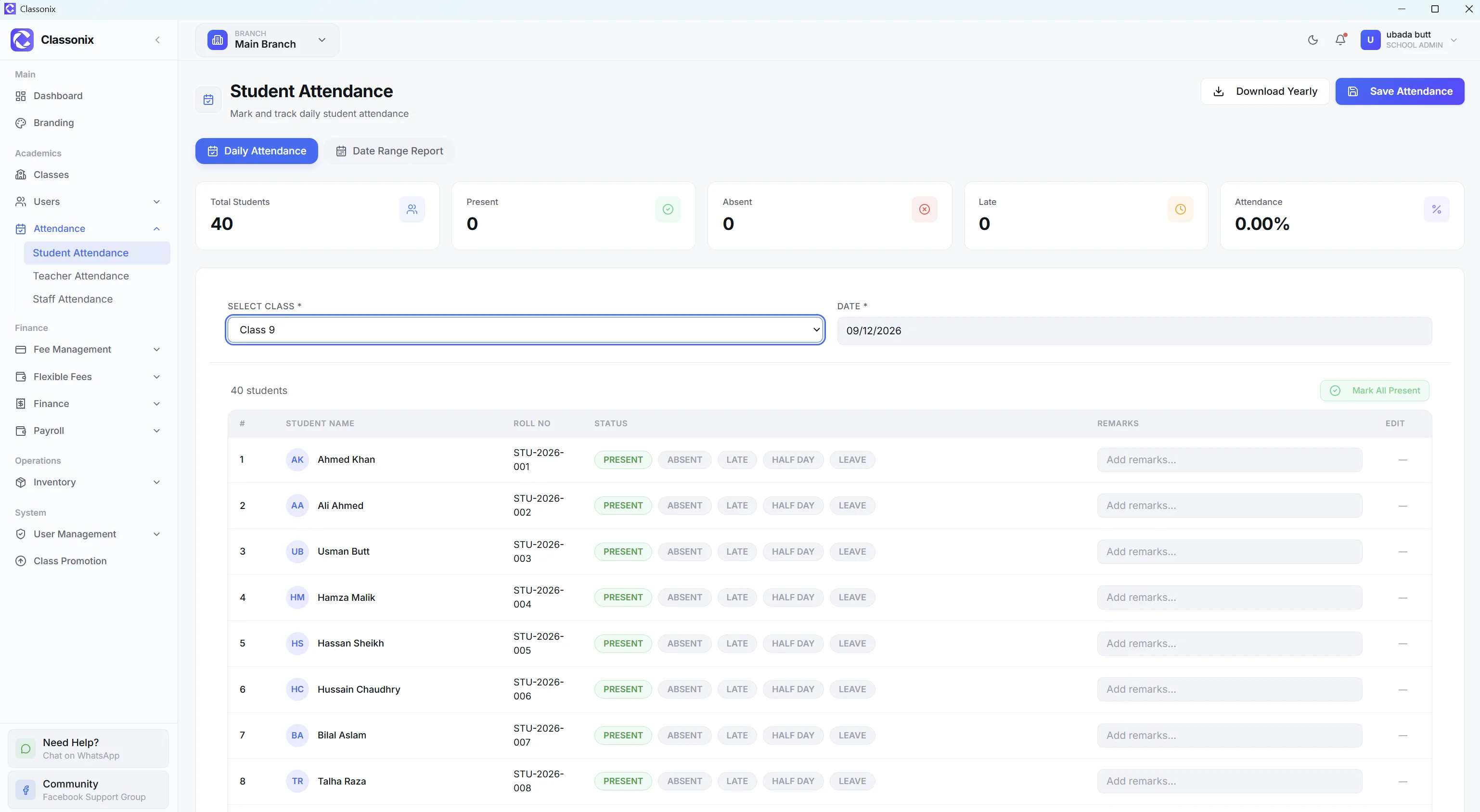
Many schools already use a fingerprint or face-recognition attendance device at the gate — but the data stays trapped inside it. Staff end up exporting files, re-entering records, or keeping a second attendance register inside the school software anyway.
ClassoNix digital attendance device integration connects a compatible attendance device to your ClassoNix account. A small connector runs on your school’s network, reads attendance events from the device and synchronizes them into ClassoNix — where they attach to the same student, teacher and staff records you already manage.
Still Managing Attendance Manually?
Many schools use attendance devices but still have to transfer attendance records manually or manage attendance separately from their school management system. This creates unnecessary work and increases the possibility of data-entry mistakes.
Manual Data Transfer
Attendance records have to be moved from one system to another.
Separate Systems
Your attendance device and school management software operate independently.
Repeated Data Entry
Staff spend time entering information the device has already recorded.
Limited Visibility
Attendance data is harder to analyze when it is stored in separate systems.
One Attendance System From Device to Dashboard
With ClassoNix, your attendance workflow becomes much simpler. Your attendance device records the punch, a lightweight connector running on your school’s network picks it up, and the data is synchronized with ClassoNix automatically.
Your school team then manages attendance from the same system used for students, fees, staff and other school operations — no exports, no duplicate registers, no second source of truth.
Manual attendance marking stays fully available, so device sync is an upgrade to your workflow — not a forced replacement for it.
How Digital Attendance Works
Setup is a one-time process. After that, attendance flows from the device into ClassoNix on its own. Integration setup may vary depending on the attendance device and supported connection method.
01 — Connect
Connect your compatible attendance device with ClassoNix using the connector and a secure device key.
02 — Record Attendance
Students, teachers or staff record attendance through the device as usual.
03 — Sync Data
Attendance records are synchronized with ClassoNix — safely, and never duplicated.
04 — Manage & Review
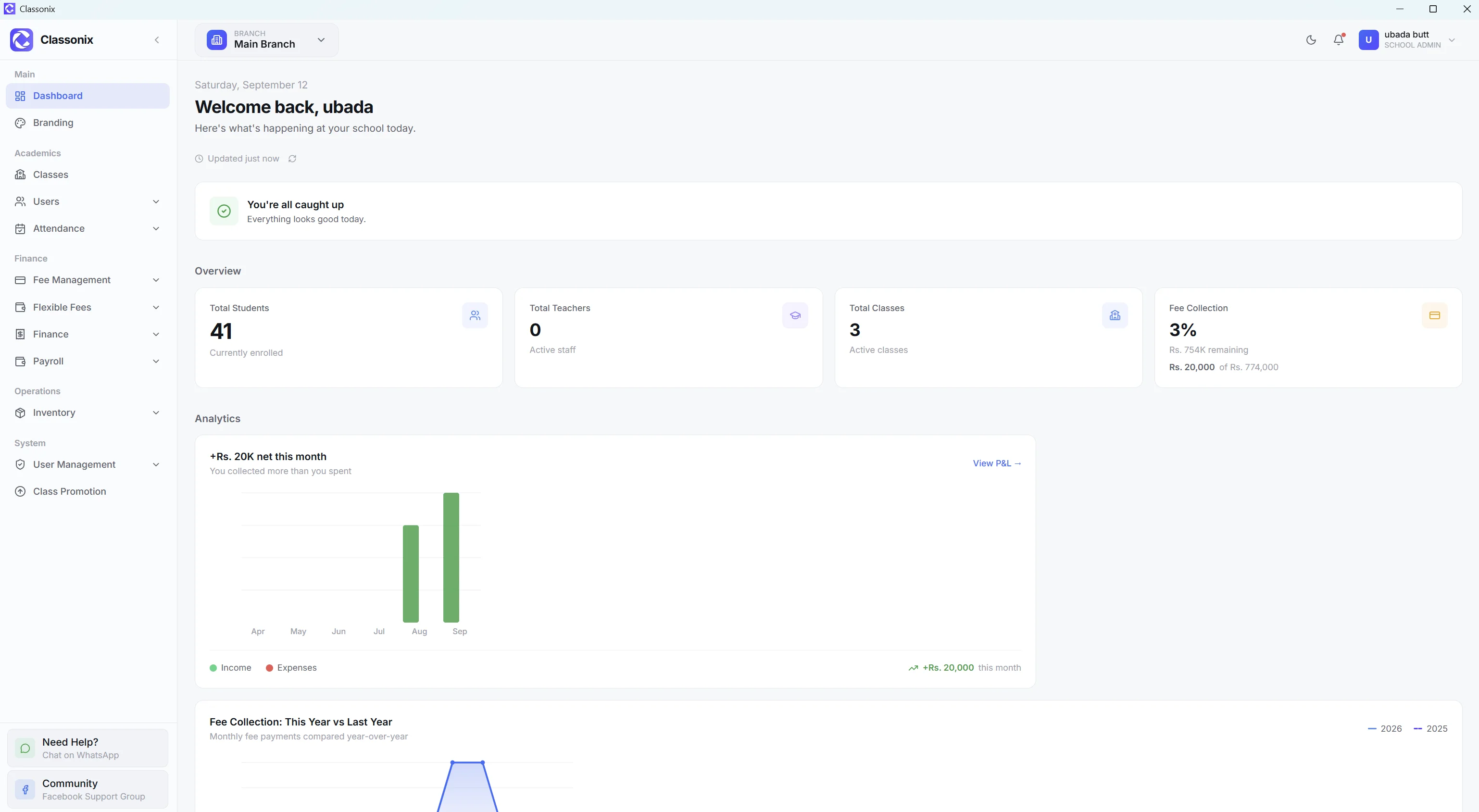
View attendance records, history and statistics from the ClassoNix dashboard.
Everything You Need for Smarter Attendance
Device Integration
Connect compatible attendance devices with ClassoNix.
Automatic Synchronization
Reduce manual attendance entry by synchronizing attendance records with your school system.
Student Attendance
Keep student attendance records organized and accessible.
Teacher & Staff Attendance
Manage attendance for teachers and staff alongside student attendance.
Attendance History
Review previous attendance records whenever needed.
Attendance Statistics
Get a clearer picture of attendance patterns and records.
Centralized Data
Keep attendance connected with the rest of your school management data.
Less Manual Work
Spend less time transferring attendance records between systems.
Choose the Attendance Workflow That Fits Your School
Device integration is an enhancement to the existing Attendance module — not a replacement. Use manual marking, device sync, or both together.
Manual Digital Attendance
Best for schools that want teachers or administrators to mark attendance directly inside ClassoNix.
Device-Based Attendance
Best for schools already using a compatible attendance device.
Why Connect Your Attendance Device to ClassoNix?
A device that only stores punches still leaves your office doing the transfer work. Connecting it to ClassoNix turns attendance into data your whole system can use — visible next to student profiles, staff records and reports.
Because synced records attach to mapped students, teachers and staff, attendance history stays consistent whether it came from a device punch or a manual mark.
Related Features
See how the rest of the ClassoNix platform connects with this workflow.
Questions, Answered
Device compatibility, synchronization and how manual attendance fits in.
ClassoNix supports attendance device integration for compatible devices. The current integration supports ZKTeco fingerprint and face-recognition attendance terminals connected over your school network. Contact us to confirm compatibility with your specific device.
Yes — for supported integrations. A connector running on your school’s network reads attendance events from the device and synchronizes them into ClassoNix, so staff don’t have to manually enter every attendance record.
Yes. Device integration complements ClassoNix’s existing digital attendance — teachers and administrators can still mark attendance directly inside ClassoNix, including bulk marking and present/absent/late statuses.
Yes. Device users are mapped to people inside ClassoNix, and the supported types are students, teachers and staff — the same categories the ClassoNix attendance module already covers.
Not necessarily. If your existing device is compatible with the ClassoNix integration, it may be possible to connect it without buying new hardware. Contact us to confirm before making any changes.
The integration currently supports ZKTeco fingerprint and face-recognition attendance terminals that work on your school network. Support for additional device families can be added — contact us to check your device before purchasing or connecting.
Sync happens through the connector on your network — if the internet is interrupted, attendance events are kept safe and synchronized once connectivity returns. Each record is deduplicated, so an attendance event can never be synced twice.
Ready to Simplify Attendance?
Connect your compatible attendance device with ClassoNix and bring attendance management into the same system you use to run your school.
Free forever plan · No credit card required