
School Timetable Management Software
Timetable is part of the ClassoNix academic feature set — listed under the ELITE plan alongside examinations and announcements.
A timetable connects teachers, classes and time periods, so even a small scheduling change can create a chain of conflicts. Schools often manage this through spreadsheets or printed grids, which can make revisions and substitutions harder to coordinate. A teacher absent on Tuesday morning is not one gap — it can be six periods across four classes, and someone has to work out who is free to cover each one. Schools that run combined or sectioned timetables feel this even more, because one clash propagates through the whole grid — a double-booked teacher or a room assigned twice only surfaces when it happens.
In ClassoNix, timetable sits inside the academic feature set — the plan structure lists examinations, timetable and announcements as ELITE-level academic functionality, alongside the classes and academic-year workflows available on core plans — so the page you are reading describes both the live foundation and the entitlement that builds on it.
Classes and Teachers, Already Structured
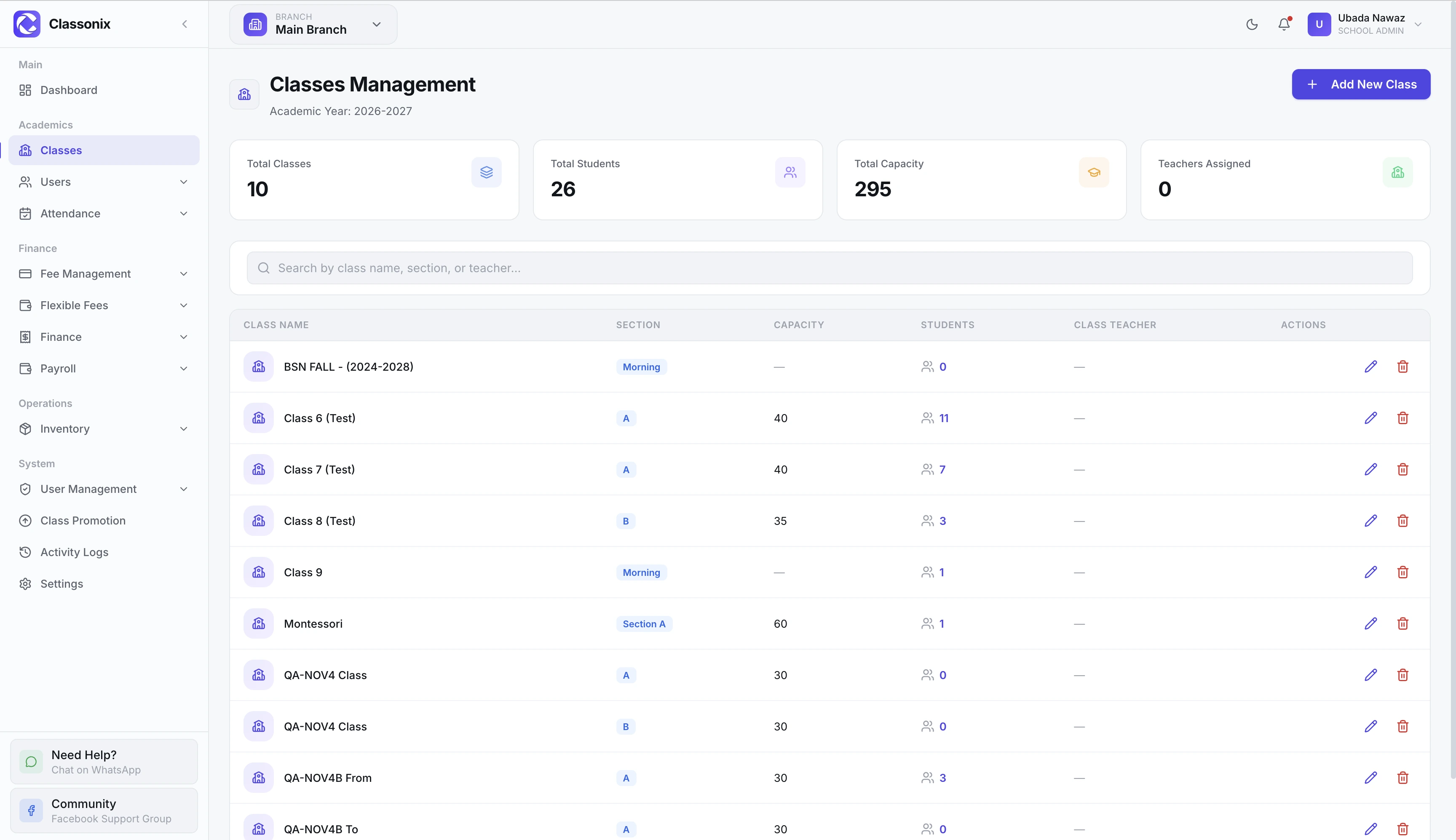
A timetable is only as good as the structure underneath it. ClassoNix already manages classes, sections, capacity and class teachers, plus academic years and class promotion — the records a schedule builds on. That shared foundation is what makes a scheduling layer practical: periods, rooms and teacher loads only make sense when the classes and people they belong to already exist as structured data.
Teachers carry employment, department and subject-related information in their profiles, and class records hold capacity and section structure — the two halves of any scheduling problem are already maintained data, not re-typed lists — when a timetable assigns a teacher to a section, both sides of that assignment are records the school already maintains for attendance and payroll. When scheduling happens, it draws on the same class and teacher records the school already maintains — a timetable entry is a connection between records the office already trusts, not a parallel list to keep in sync. That same foundation is what attendance marking already uses every day: classes, sections and teachers are operational records first — a schedule drawn on top of them inherits their accuracy instead of duplicating their effort.
Part of the ELITE Academic Feature Set
The plan structure places timetable alongside examinations and announcements as ELITE-level academic functionality. Schools evaluating timetable workflows should review the current plan table and confirm the exact capabilities on their plan.
This entitlement approach means the academic modules are designed as part of the wider platform — not as a separate, disconnected tool the school has to integrate itself. For schools comparing plans, the takeaway is to evaluate the academic set as a whole — timetable, examinations and announcements arrive together under ELITE.
Part of the Wider Academic Workflow
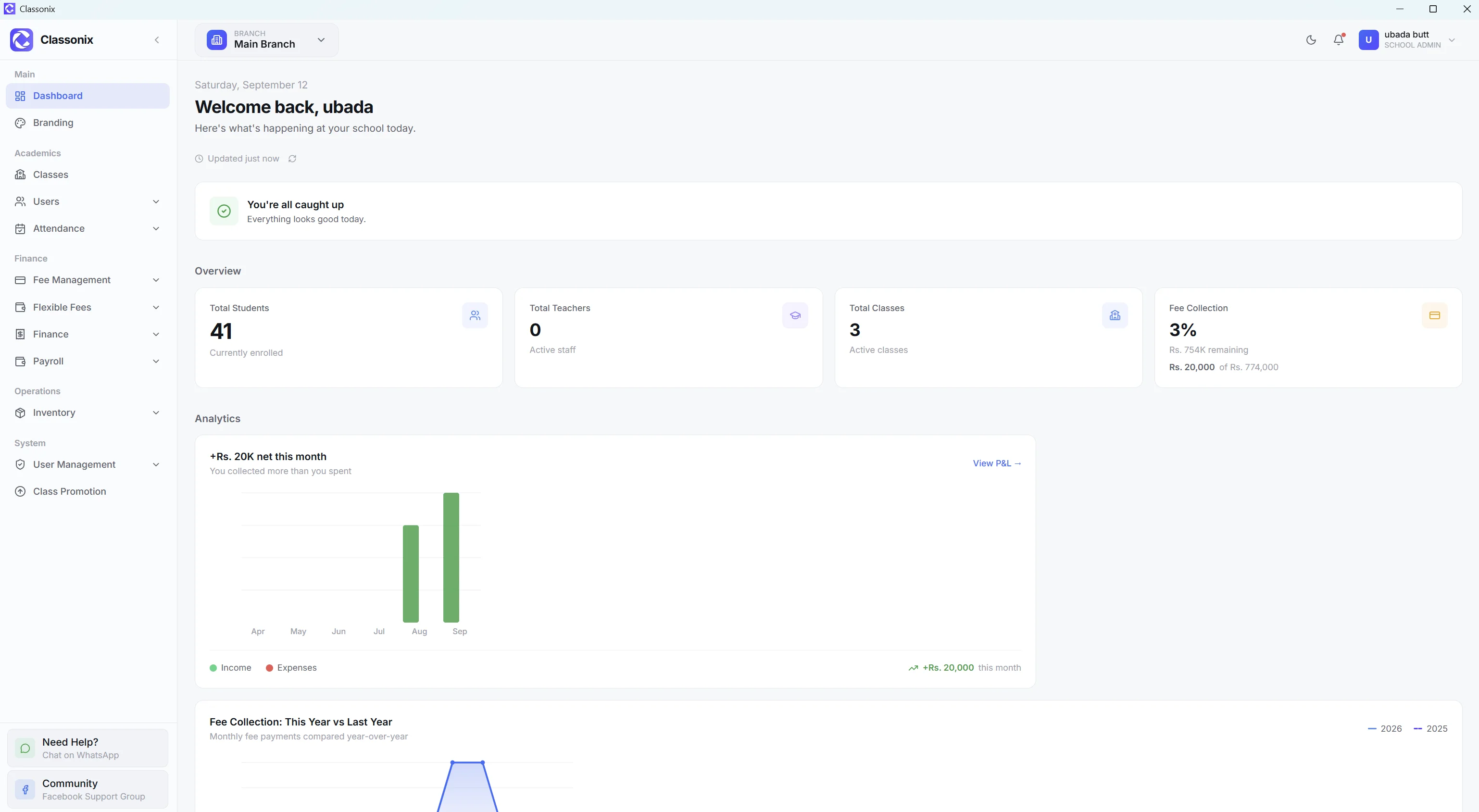
Timetables are one part of a larger academic environment. ClassoNix already manages classes and academic years and supports class promotion. Attendance, teachers and student records all connect to the same class structure, so a timetable built on that foundation stays consistent with the registers and rosters the office already maintains.
The result is an academic layer built on shared records — see how the pieces fit on the school ERP overview. Class teachers, sections and academic years are already maintained for everyday operations, so the scheduling layer inherits real structure instead of starting from a blank grid.
Check the Current Build for Timetable Details
Because timetable workflows — scheduling screens, conflict handling and print formats — vary by plan, so the most reliable way to evaluate them is inside the product itself.
Start a free trial or book a demo to see the academic modules on your plan, rather than relying on a feature list — plan coverage and the exact scheduling workflow are both best confirmed inside the product.
Related Features
See how the rest of the ClassoNix platform connects with this workflow.
Questions, Answered
Where timetable sits inside ClassoNix.
Conflict-aware scheduling is part of the ClassoNix academic feature set — the plan structure lists it alongside examinations and announcements as an ELITE-level entitlement. Check the pricing page or a demo for current plan coverage.
Teacher and class records are managed inside the app as the foundation a schedule is built on, including the staffing information a substitution decision depends on. The academic feature set is entitlement-gated under ELITE plans — the best way to review the exact scheduling workflow is inside a trial or live demo.
The academic foundation underneath — classes, sections, teachers and academic years — is managed inside the app. For output options on your plan, review the module during a demo or trial — the academic screens are the reliable source for what the current plan delivers.
The academic foundation underneath — classes, sections, class teachers, academic years and class promotion — is available in the product and provides the structure a timetable operates on — periods and assignments are only meaningful once classes, sections and teachers exist as records — which is why the timetable entitlement sits on top of the class and academic-year workflows rather than beside them — the grid is only as reliable as the structure underneath it.
See the Academic Layer In Action
Explore the ELITE academic feature set — timetable, examinations and announcements — inside a trial.
Free forever plan · No credit card required