
Report Card Generation Software
Marks, exam summaries and academic history connected to every student record — inside the same system as attendance and fees.
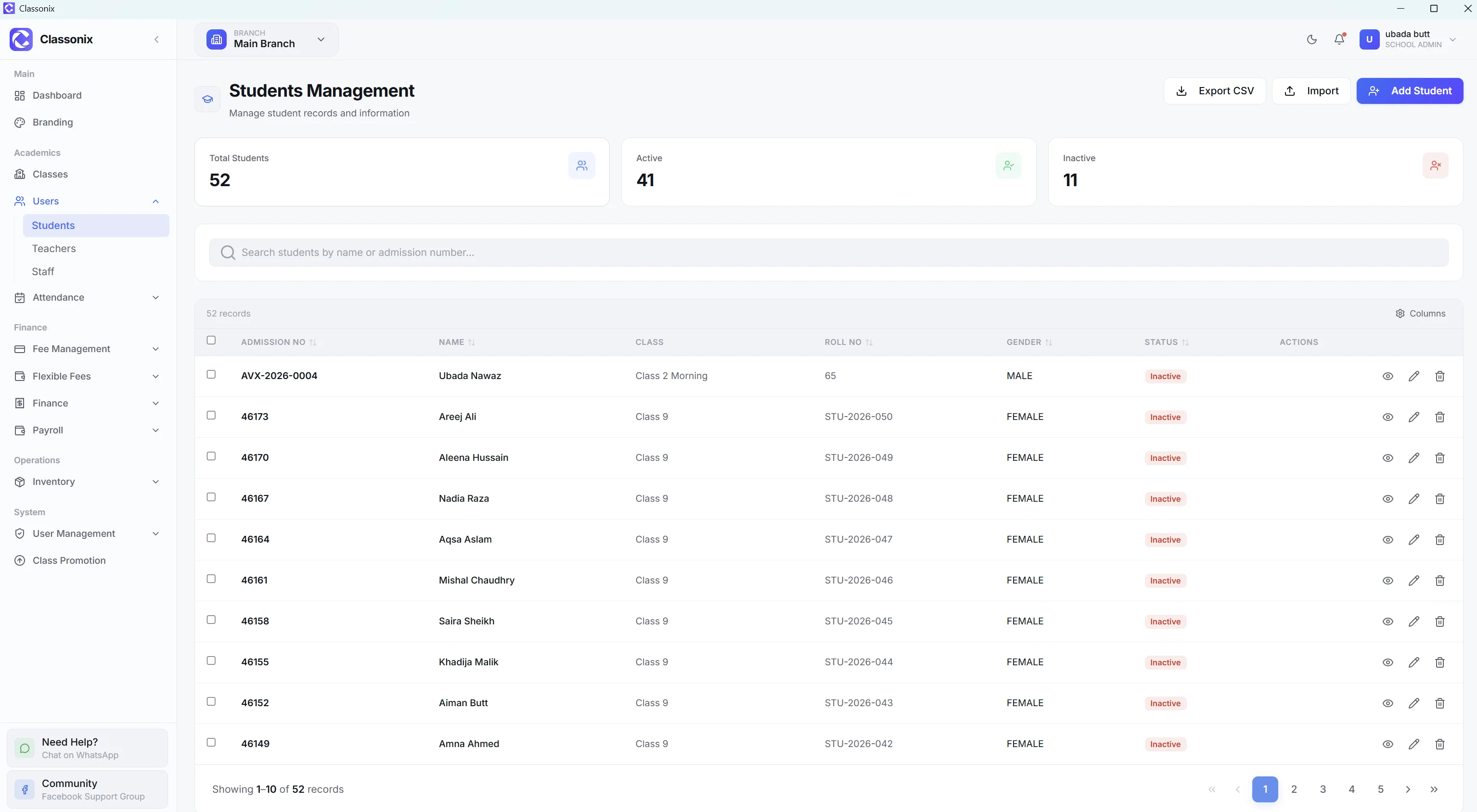
Report cards turn marks into information that students, parents and school management can understand. The challenge is keeping the process consistent: marks have to be entered, totals calculated, percentages checked and results presented in a usable format. When each teacher keeps their own marks sheet, the school office ends up re-entering numbers before any parent ever sees a result.
ClassoNix keeps academic information connected to the student record. The student detail page includes an academic history area with an exam summary and a marks table, so result information lives alongside attendance and fees rather than in a separate spreadsheet. For a school office that means fewer versions of the truth: the marks a teacher records are the same numbers a parent eventually asks about — and the same numbers management reviews at term end.
Bring Marks Into the Student Record
Student detail pages include an Academic tab with an exam summary and a marks table showing exam names, types, obtained marks, totals and percentages. This provides the foundation for keeping academic information connected to the student rather than storing results in a separate file — and because every entry carries the exam name and type, the history distinguishes a midterm from a final instead of treating all marks alike.
Because the marks table is part of the student record, management and staff can review a student’s academic picture in the same place they review attendance and fees. The exam summary rolls those marks into totals, obtained marks, maximum marks and an average percentage, so a quick read of performance does not require rebuilding a marks sheet by hand. When a parent asks how their child did this term, the answer is already aggregated — subject by subject, exam by exam.
Totals, Percentages and Exam Summary
The academic summary computes the aggregate picture from recorded marks — total exams, obtained marks, maximum marks and average percentage — so staff do not re-calculate results by hand for review purposes. Because marks are stored per exam and subject, the summary stays accurate as more assessments are recorded through the year — the average reflects the full record, not the latest spreadsheet version.
The academic feature set, including examinations, is part of the plan-entitlement model — the plan structure lists higher-level academic modules under ELITE. Check current plans for availability. The records a result sheet draws on — students, classes, exam names, obtained marks and percentages — are maintained inside the platform rather than assembled at printing time.
Results Across the Academic Cycle
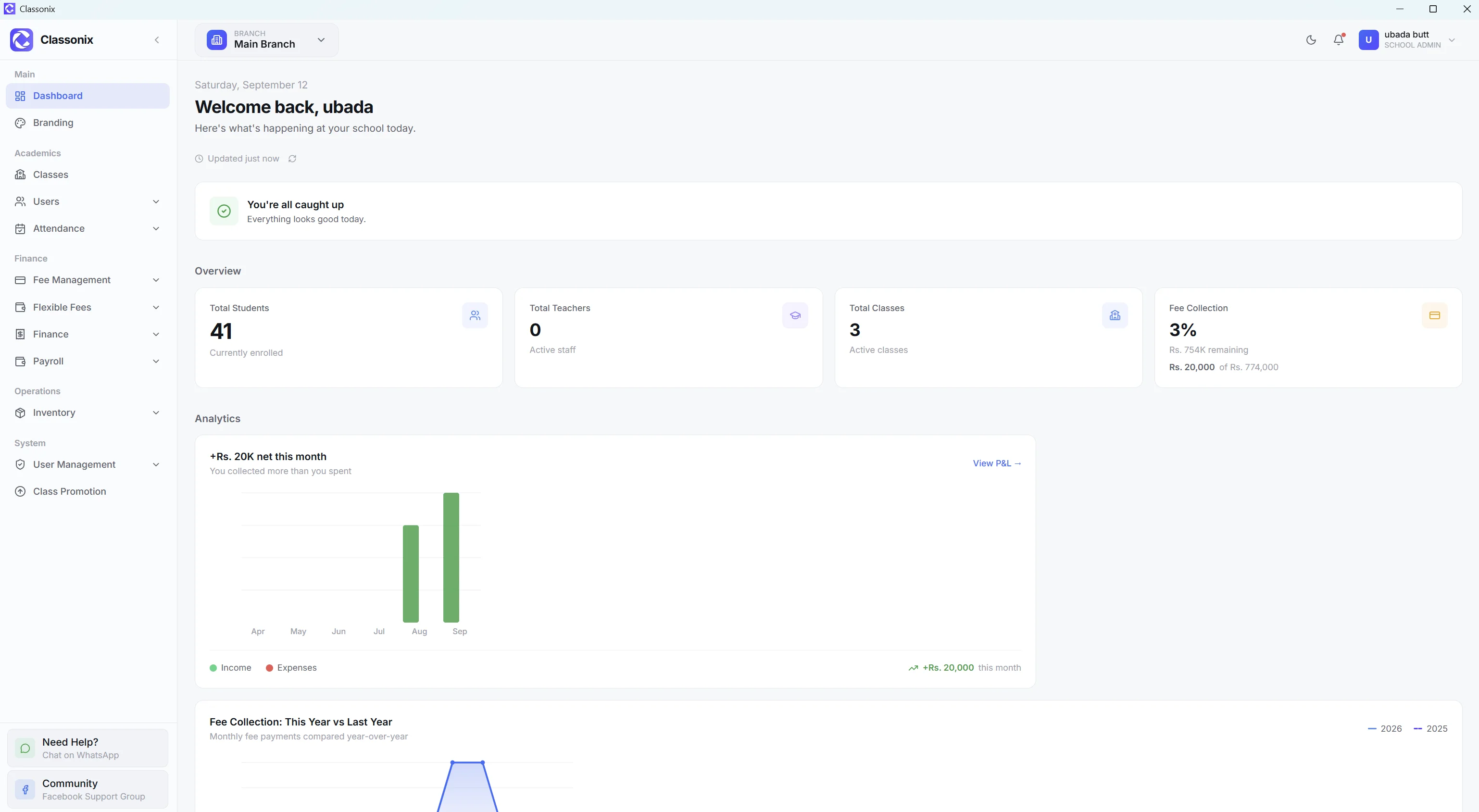
Academic records become more valuable when they persist across the year. ClassoNix supports academic years and class promotion, so a student’s academic history stays attached to their record as they move through the school.
The same record also connects to attendance and fee history, giving management a single place to review a student’s position rather than assembling it from separate registers. A promotion decision at year end can look at the whole record — attendance pattern, fee standing and academic results together.
Who Is This For?
The academic-history workflow is intended for schools that maintain structured academic records and need marks and exam information connected to the student rather than stored separately.
It forms part of the wider student information system — linking back to the student record, attendance and class promotion where relevant. Schools that need a specific printed report-card layout should evaluate the academic screens during a demo so the output matches their format expectations — the underlying marks and summaries are in the system either way, so a term’s results never depend on which template was used to present them.
Related Features
See how the rest of the ClassoNix platform connects with this workflow.
Questions, Answered
Academic records and exam results in ClassoNix.
ClassoNix’s academic coverage centers on the student record’s academic history — an exam summary and marks table — rather than a separate card-design tool. Schools needing a specific printed layout should review the app during a demo or trial, since printable result output depends on the academic screens available on the school’s plan.
The academic summary computes totals and an average percentage from recorded exam marks. Position and rank calculations are not part of the current student academic view.
Academic history lives inside the student record alongside attendance and fee history — a parent conversation about results can happen with the full picture open on one screen. For parent communication, schools use the built-in WhatsApp messaging workflow alongside it — the same channel fee reminders already use, with delivery tracking.
The student record preserves academic history across academic years, with class promotion between years. Exam records stored in the marks table carry exam names and types, so term-by-term results remain distinguishable across the year rather than collapsing into one undated list.
Academic Records, Connected
Marks, exam summaries and history inside the same student record as attendance and fees.
Free forever plan · No credit card required